Register plumbers, electricians, caterers, and delivery partners once. Issue QR gate passes, assign jobs, track work progress, and manage payments—all from one app with a clear record of every vendor activity.

A resident or committee member creates a job and assigns it to a verified vendor.
The vendor receives a QR gate pass for the approved date and time.
The security guard scans the pass, the vendor completes the work, and the job status is updated.
The completed work is reviewed, the invoice is processed, and all transaction details are recorded.
From the initial registration to the final payment, Aptivo makes vendor management simple, secure, and organised.
 01
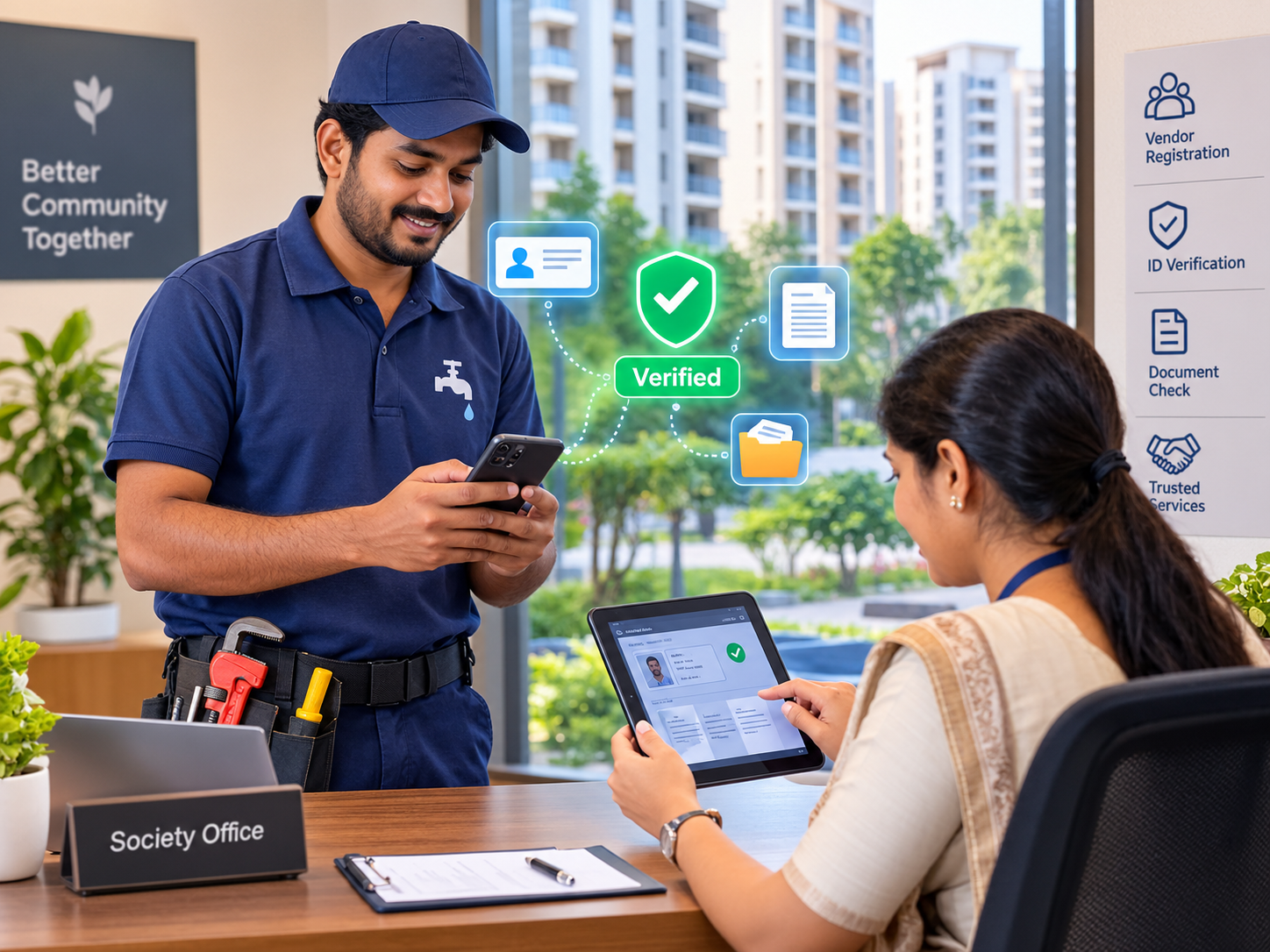
Register vendors once with their details and required documents. The committee reviews and approves registrations before granting access.
 02
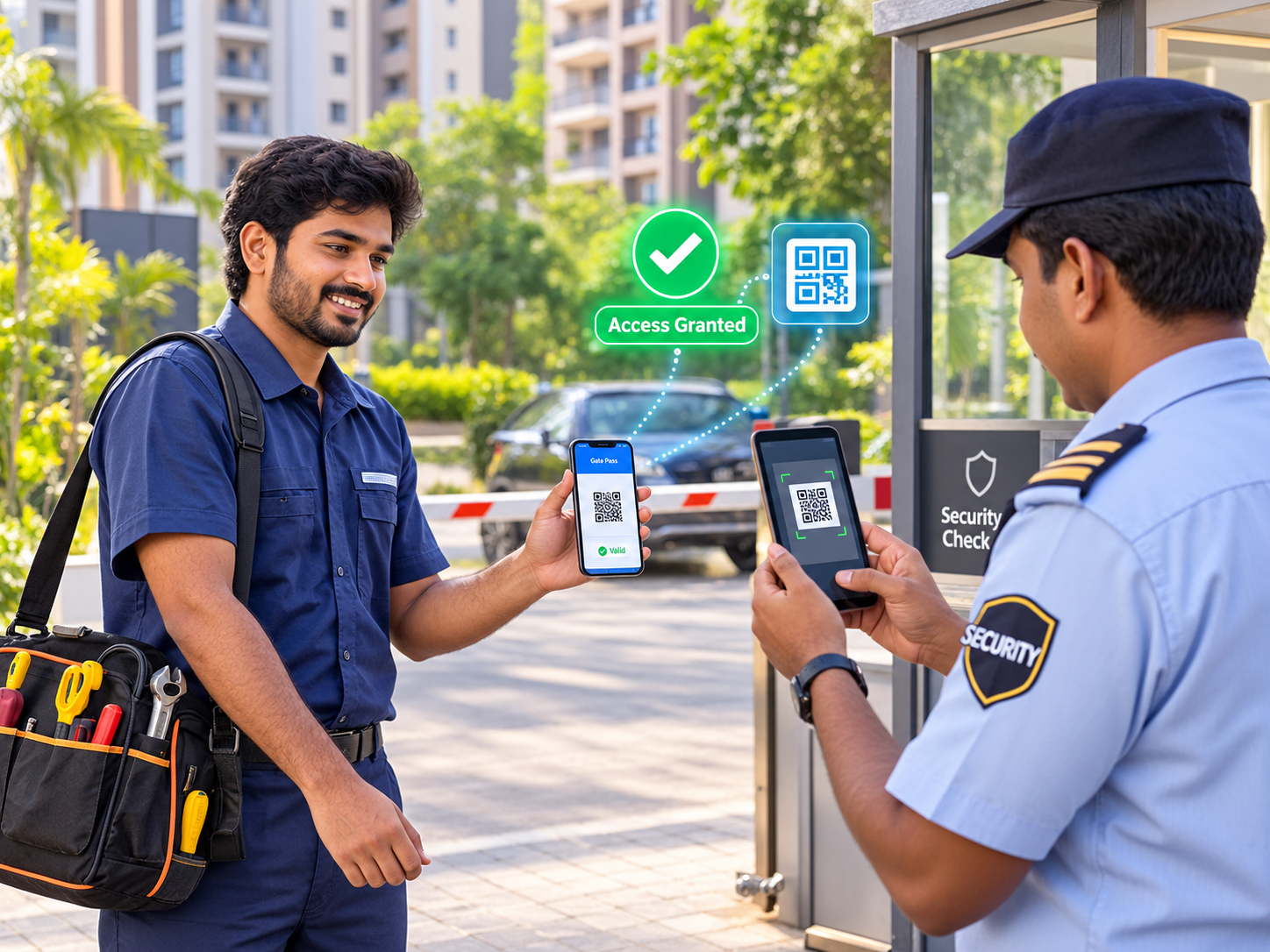
Generate QR passes for approved vendor visits. Security guards scan the passes at the gate, and entry details are recorded automatically.
 03
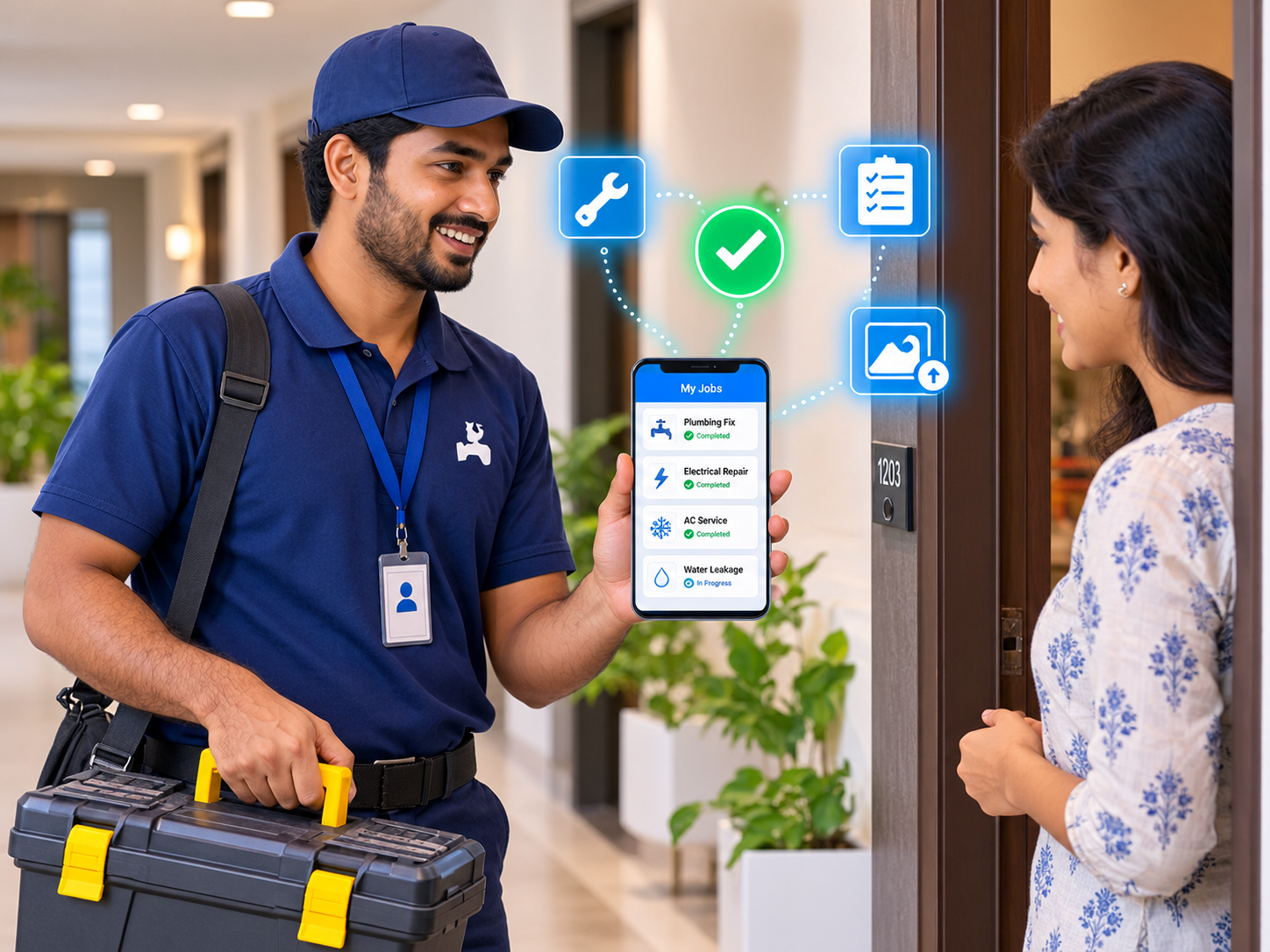
Create jobs, assign them to vendors, and track progress until completion. Vendors can update job statuses as they work.
 04
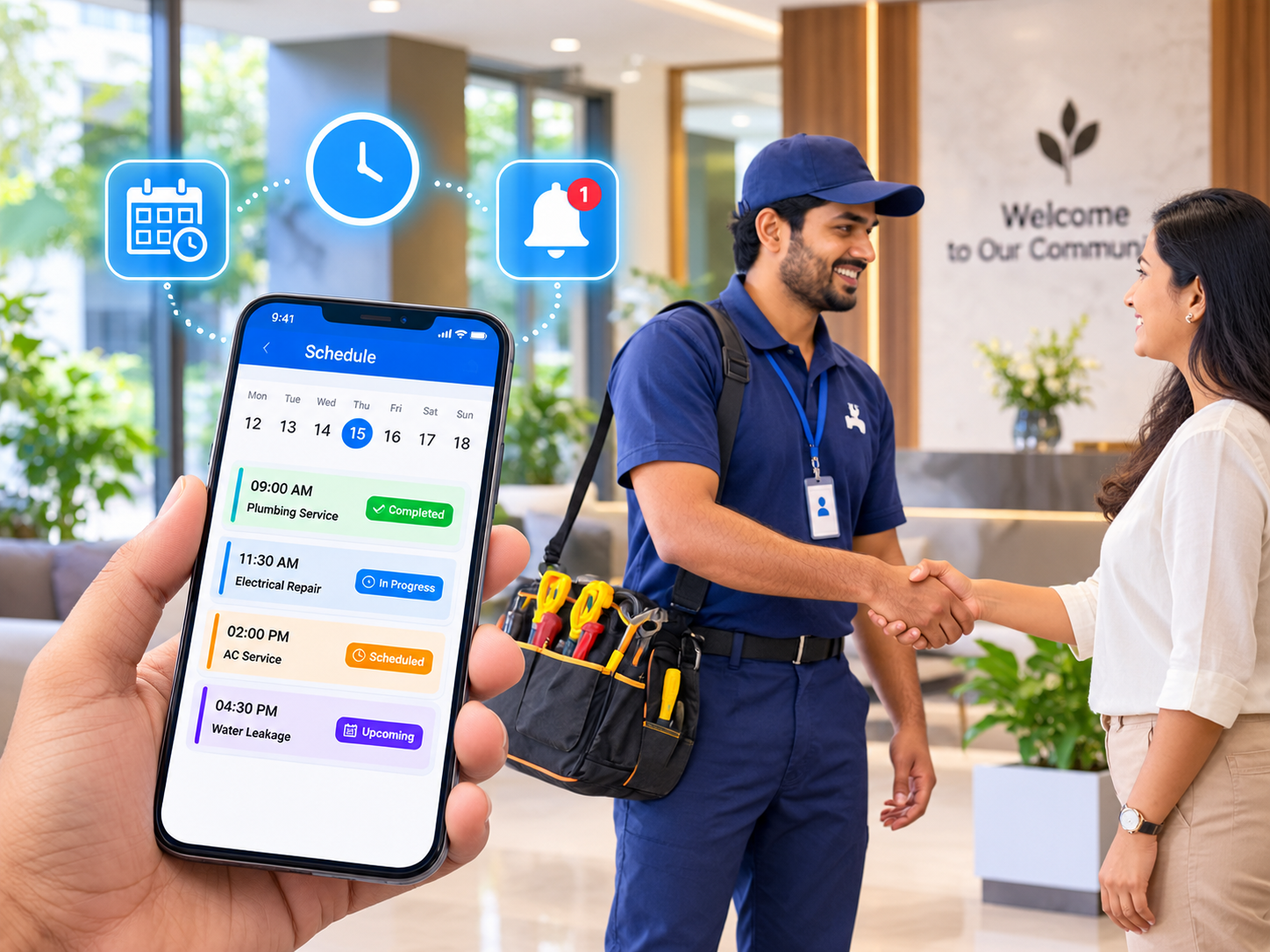
Schedule vendor visits with convenient time slots. Avoid scheduling conflicts and minimise disruptions to residents.
 05
Allow vendors to submit invoices through the app. Review completed work, process payments, and keep all payment records organised.
 06
Collect resident ratings after completed jobs and maintain a complete history of vendor visits and performance.
Review and approve vendor registrations before granting access to the community.
Prepare QR passes in advance for faster and smoother entry.
Keep vendor visits, work updates, invoices, and payment records organised in one place.
See how the Aptivo Vendor App helps your community verify vendors, manage jobs, track visits, and handle payments efficiently. Schedule a free demo for your community today.
Book for Free Demo